
Download Zoner Panorama Maker – panoramic photo, photo stitching, image merging, panorama maker, photo editing, photo tool, photo utility
Overview
Zoner Panorama Maker is a specialized utility designed for users who capture expansive scenes through multiple photographs and seek to combine them into seamless panoramic images. The application addresses the common challenge of photographing wide landscapes, cityscapes, or architectural views that exceed the field of view of a standard camera lens. By enabling users to stitch overlapping photos into a single cohesive image, it enhances visual storytelling and preserves the full scope of memorable moments. The software is particularly beneficial for travelers, hobbyist photographers, and individuals documenting events or scenic environments where a single shot is insufficient.
Targeted primarily at Windows users, Zoner Panorama Maker operates as a lightweight yet effective tool within the broader ecosystem of digital photography software. Its focus on simplicity and efficiency makes it accessible to users with varying levels of technical expertise. Although the developer, Zoner Software, is not detailed further in the provided data, the app's longevity—first released in 2006—suggests a stable, well-tested product. Real-world use cases include compiling travel memories, creating visual displays for personal or professional portfolios, and archiving expansive views for future reference. Despite its age, the app remains relevant for users seeking a straightforward, no-frills solution for panoramic image creation.
Key Features & Functionality
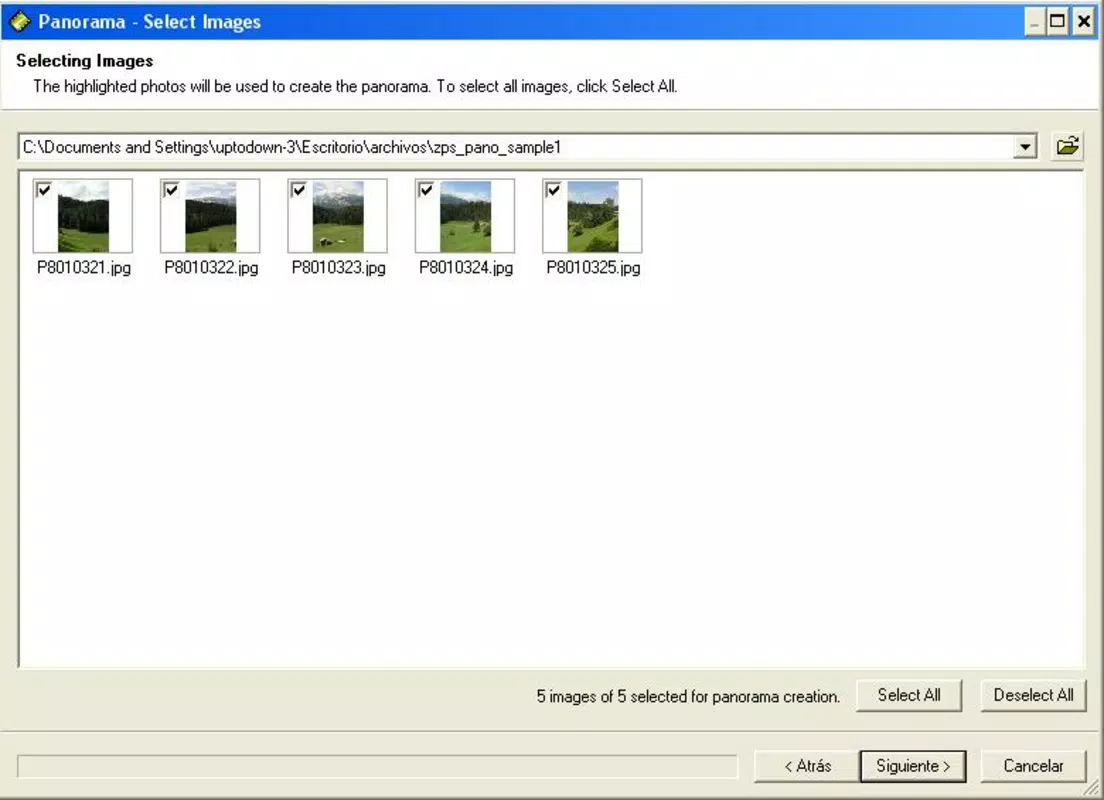
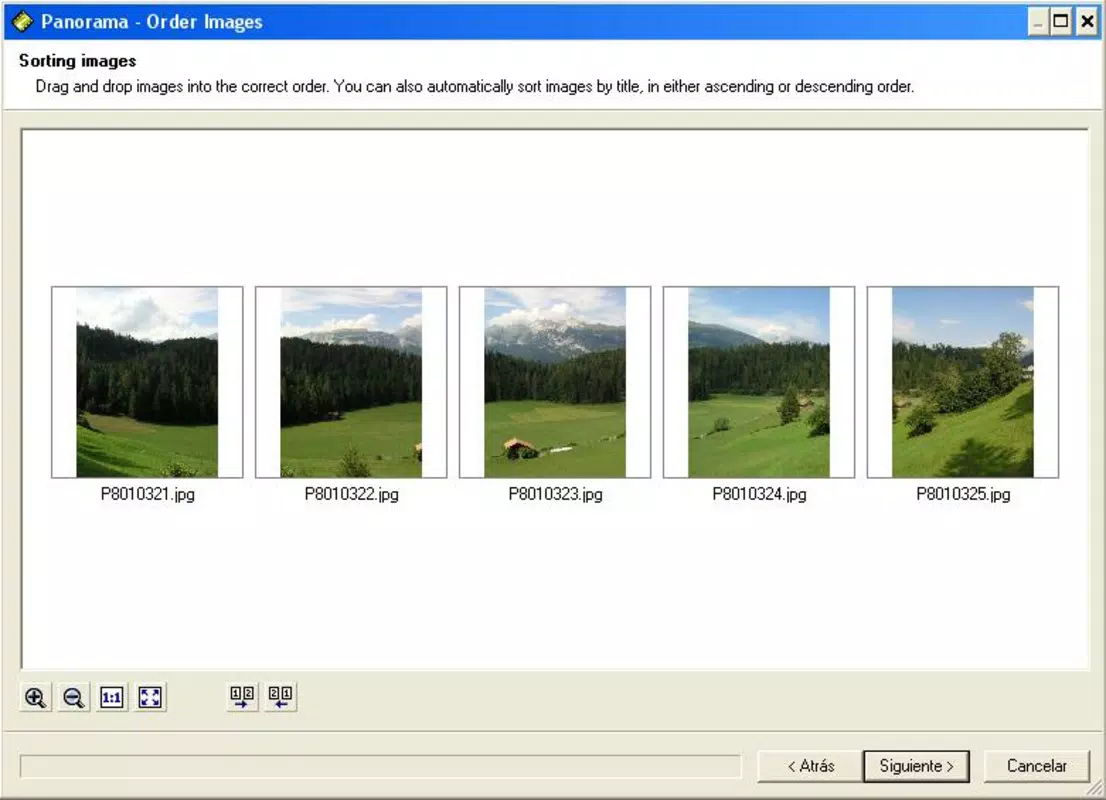
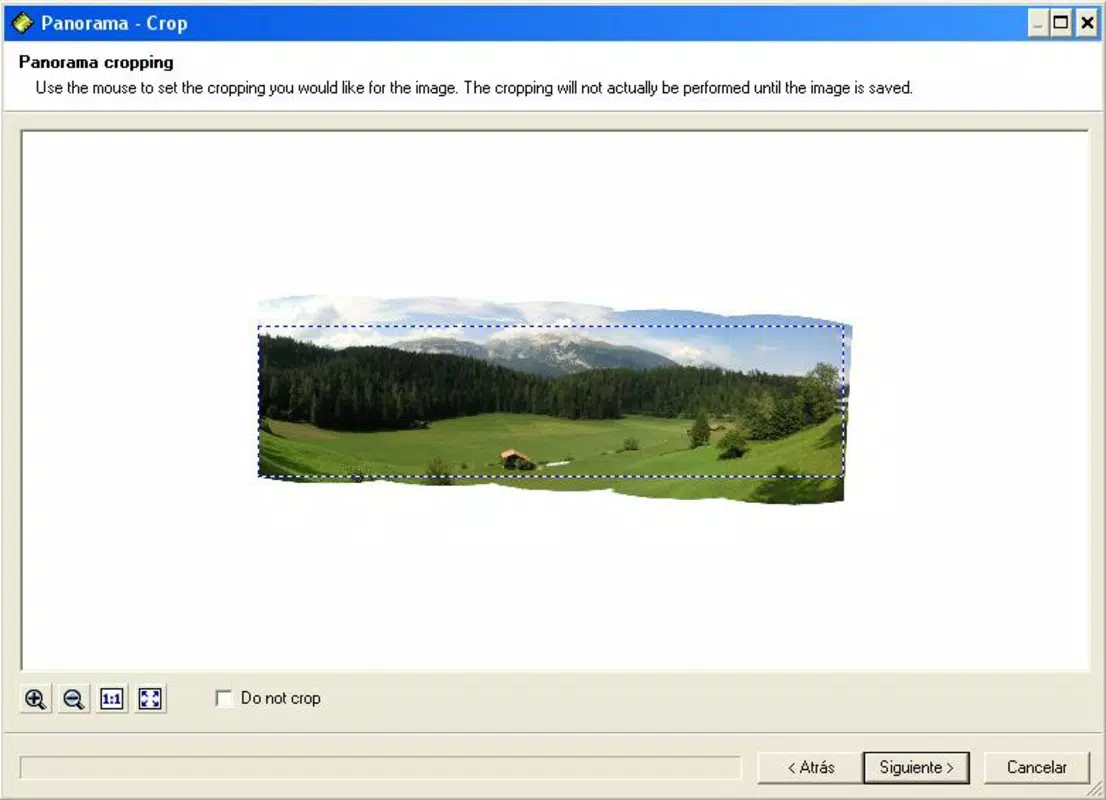
- Easy Photo Stitching: The core functionality lies in automatically aligning and merging multiple overlapping photographs into a single panoramic image. Users need only capture a sequence of photos with intentional overlap, and the software handles alignment, blending, and distortion correction without manual intervention.
- Multiple Output Formats: Zoner Panorama Maker supports a range of file formats including JPG, PNG, TIFF, BMP, GIF, PCX, TGA, WPG, BMI, and more. This versatility allows users to export images tailored for web sharing, printing, or archival storage, depending on their specific needs.
- User-Friendly Interface: The application features an intuitive layout with straightforward navigation, minimizing the learning curve for beginners while still offering enough control for experienced users. Common tasks such as importing photos, adjusting settings, and exporting results are accessible through clearly labeled tools.
- High-Quality Output: The software maintains image clarity and color fidelity during the stitching process, ensuring that the final panorama retains the detail and vibrancy of the original shots. This is especially important for large prints or high-resolution displays.
- Versatile Use Cases: Whether used for personal travel documentation, event coverage, or artistic projects, Zoner Panorama Maker adapts to various creative workflows. Its ability to produce visually striking panoramas from basic inputs makes it a practical tool for diverse applications.
Interface, UX & Performance
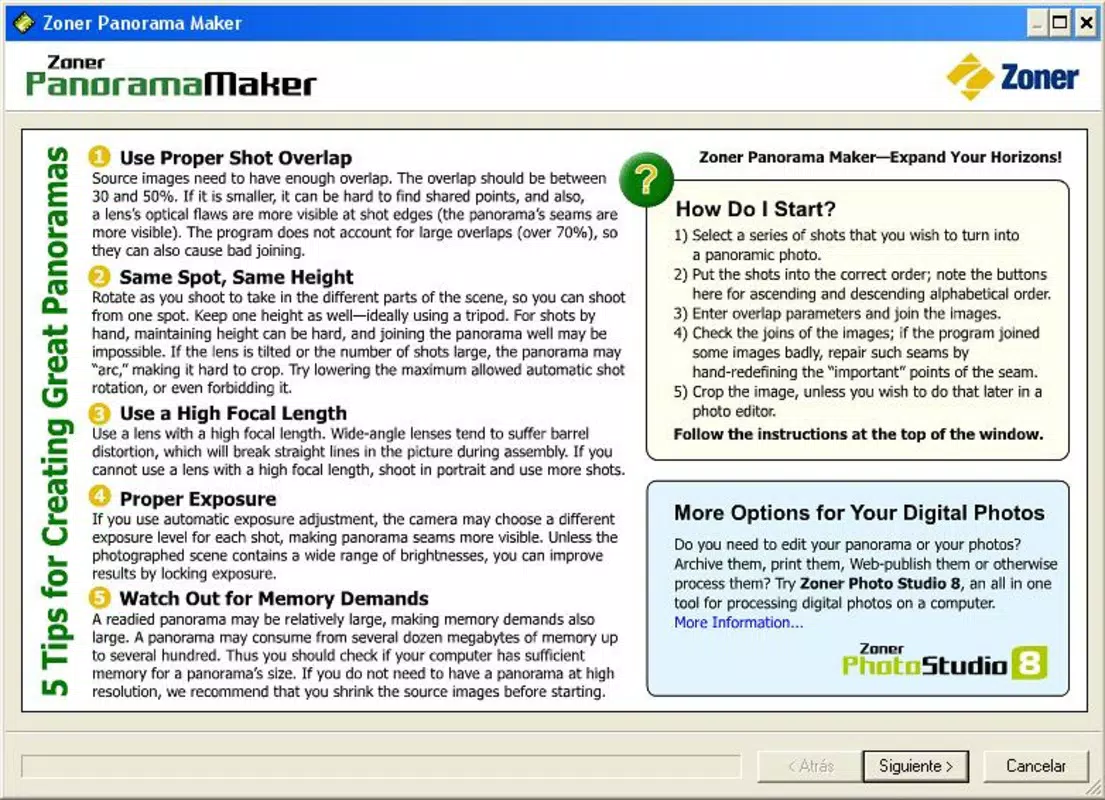
The user interface of Zoner Panorama Maker is designed with simplicity and functionality in mind. It presents a clean layout with clearly labeled buttons and a logical workflow, allowing users to import photos, initiate stitching, and export results with minimal steps. Navigation is consistent across all stages, reducing cognitive load and supporting efficient task completion. The visual style is minimalistic, focusing on utility rather than ornamentation, which aligns with its role as a productivity tool.
Although the developer did not list formal performance metrics, the app’s file size of 2.5 MB suggests a lightweight footprint, which typically translates to fast startup times and low system resource usage. This makes it suitable for use on older or less powerful Windows systems. Responsiveness appears to be adequate for typical image processing tasks, with minimal lag during import and stitching operations. Stability is implied by the app’s long-standing presence, though no specific crash reports or reliability data were provided. Overall, the user experience is optimized for ease of use, with no indication of complex workflows or confusing options.
Platform Compatibility & Technical Requirements
Zoner Panorama Maker is designed for the Windows operating system. The software is available in version 1.0.0 and has a file size of 2.5 MB, indicating a compact and efficient installation. While the developer did not specify minimum OS requirements, the app’s long history suggests compatibility with a wide range of Windows versions, including older systems such as Windows XP and later releases. However, users should be aware that the software may not support the latest Windows features or high-DPI displays without potential workarounds.
Specific hardware requirements were not disclosed. Given its small size and straightforward functionality, it is likely to run on devices with modest processing power and memory. Users should ensure they are running a compatible version of Windows and have sufficient storage space for both the application and the images being processed. Compatibility with modern Windows 11 systems is possible but not confirmed by the developer.
Pros and Cons
Pros
- Free to download and use, making it accessible to budget-conscious users.
- Lightweight design with minimal system resource demands.
- Supports multiple output formats for flexible usage across platforms.
- Intuitive interface suitable for both beginners and intermediate users.
- Efficient photo stitching with high-quality results.
Cons
- No information provided about support for newer Windows versions or high-resolution displays.
- Not available for mobile platforms such as Android or iOS.
- Limited feature set compared to modern panoramic tools.
- Age of the software may affect integration with current workflows or file formats.
- Developer did not provide update frequency or future development plans.
FAQ
Is Zoner Panorama Maker available for Android or iOS?
Currently, the app is only available for Windows. There is no official mobile version for Android or iOS.
Can I use Zoner Panorama Maker with older versions of Windows?
While the developer did not specify minimum OS requirements, the app’s long history suggests it may work on older Windows systems such as Windows XP or Vista. However, compatibility with newer systems is not guaranteed.
Is the software safe to download and install?
Yes, Zoner Panorama Maker is free and distributed through official channels. As with any software, users should download from trusted sources to ensure security.
Does the app require an internet connection?
No, Zoner Panorama Maker operates offline. It does not require an internet connection to perform photo stitching or export images.
How often is the app updated?
The developer did not provide information on update frequency. The current version is 1.0.0, released in 2006, suggesting minimal recent updates.
Final Thoughts
Zoner Panorama Maker remains a reliable, no-cost solution for users seeking to create panoramic images from multiple photographs. Its straightforward interface, support for diverse output formats, and efficient stitching capabilities make it a practical choice for hobbyists and casual photographers. While its age means it lacks modern enhancements, its core functionality continues to deliver value in a niche but meaningful way. For those who prioritize simplicity, affordability, and compatibility with older systems, this tool offers a solid foundation for panoramic image creation. If you're looking to merge your scenic shots into stunning wide-angle views without complexity or cost, this app is worth exploring.
Download Zoner Panorama Maker now


